Set up your Farcaster account first
Sync works by mirroring your existing social graph, which means you need a verified identity on Farcaster before connecting X. The platform relies on Ethereum smart contracts to manage accounts, so there is no traditional email sign-up. You must create a wallet-based profile to prove you own the identity you are syncing.
Warpcast is the most widely used client for Farcaster and serves as the standard entry point for most users. It offers a streamlined interface for managing your on-chain identity and is the recommended tool for this initial setup. Other clients exist, but Warpcast provides the most reliable experience for new accounts.
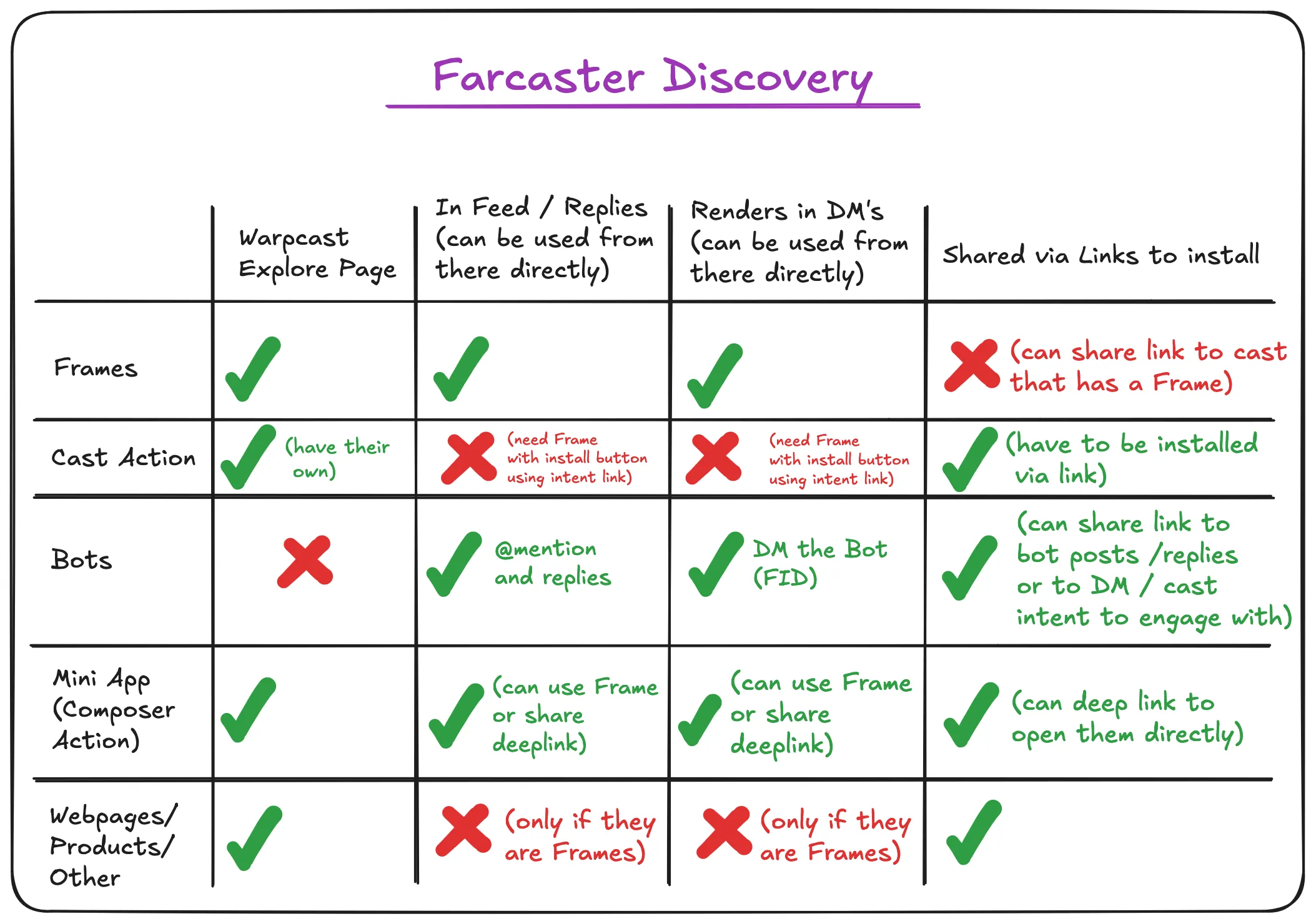
Download the Warpcast app from your device’s app store. Open the app and follow the on-screen prompts to create a new account. This process involves generating a new Ethereum wallet key pair directly on your device. You will receive a seed phrase; write this down and store it securely, as it is the only way to recover your account if you lose access.
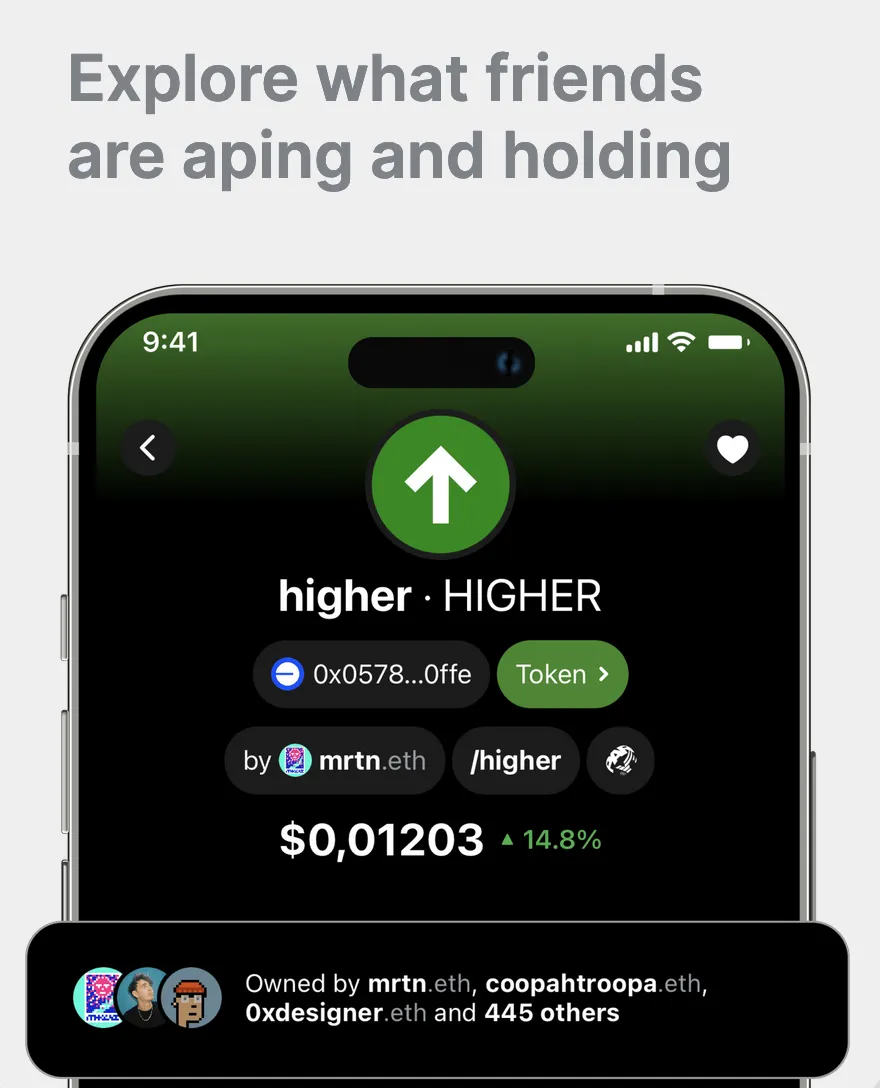
Once your wallet is created, you must verify your identity to complete the setup. Warpcast typically requires a small transaction fee on the Optimism network to mint your on-chain profile. This step confirms you are a real user and prevents spam. After the transaction confirms, your Farcaster ID (FID) is active and ready for integration.
With your Farcaster account verified, you can now proceed to connect it to X. Open the Sync tool and select the option to link your X account. You will be redirected to X to authorize the connection. This step grants Sync permission to read your X followers and following lists to populate your Farcaster social graph.
Having a verified Farcaster account is the foundation of the entire Sync process. Without it, the tool cannot map your existing social connections to the decentralized network. Ensure your profile is active and your wallet is secure before moving to the next steps.
Authorize the Farcaster Sync app
To connect your X (Twitter) account with your Farcaster identity, you need to authorize the Farcaster Sync application. This process uses standard OAuth protocols to ensure that your credentials remain secure while granting the app permission to post on your behalf.
The authorization flow is straightforward, but it requires careful attention to the domain and the specific permissions you are granting. Always verify that you are interacting with the official Farcaster Sync interface to prevent phishing attempts.
Navigate to the Farcaster Sync dashboard using your preferred browser. Log in to your Farcaster account through the official Warpcast client or web interface if you haven't already. Ensure you are on the correct, verified URL for the Sync application.
Locate the "Connect X" or "Link Twitter" button within the Farcaster Sync settings. Clicking this will trigger the OAuth redirect, taking you to X's secure login page. This step ensures that X verifies your identity directly before any data is shared.
On the X authorization screen, review the permissions requested. Farcaster Sync typically needs permission to post tweets and manage your account's basic profile information. Confirm that these permissions align with your expectations, then click "Authorize App".
Return to the Farcaster Sync dashboard. The interface should update to show your X account as successfully linked. You may need to confirm the connection one last time within the Farcaster app to finalize the handshake between the two platforms.
Once authorized, Farcaster Sync will begin mirroring your X posts to your Farcaster feed. You can manage these permissions at any time by revisiting the Farcaster Sync dashboard or your X account's connected apps settings.
Configure posting rules and filters
Syncing every single tweet will likely clutter your Farcaster feed. Farcaster users generally prefer high-signal posts over raw volume. To keep your audience engaged, you need to curate what actually makes the cut.
Start by selecting the post types that matter most to your strategy. Most syncing tools let you filter out retweets, quotes, and replies. If your goal is to share original analysis, stick to standard posts. If you want to highlight community conversations, include replies. Be selective.
Next, set up keyword filters. Add terms you want to exclude automatically, such as "thread" if you prefer to sync the full thread as one post, or specific promotional keywords. This prevents low-value content from hitting your Farcaster profile.
Finally, test the sync with a draft post. Check how it renders on Farcaster. Ensure links are clickable and formatting looks clean. Adjust your filters based on the output. A clean feed builds trust; a spammy one drives followers away.
Test the sync with a draft post
Before you let Farcaster Sync run on autopilot, verify the pipeline with a controlled draft. This step catches permission errors, missing scopes, or client-side glitches before they hit your live audience.
Run a dry-run sync
Create a new test post on X with a unique identifier, such as #FS_TEST or a timestamp. Trigger the sync manually if your client offers a "Sync Now" button, or wait for the scheduled interval. Check your Farcaster client (Warpcast or another compatible app) to confirm the post appears with identical text and media.
If the post does not appear, check your Farcaster client’s connection status. Ensure your X account is still linked and that no API rate limits have been hit. Most failures stem from expired tokens or revoked permissions rather than protocol errors.
Verify content fidelity
Once the post appears, compare it side-by-side with the X version. Check for:
- Text integrity: No truncated characters or missing emojis.
- Media rendering: Images or videos load correctly and maintain aspect ratio.
- Metadata: The source attribution (if enabled) points back to your X account correctly.
If the content looks correct, you can confidently remove the test tag and proceed. Keep this draft in mind as a template for future troubleshooting if the sync ever acts up again.
Pre-launch verification checklist
-
Test post created on X with unique tag
-
Sync triggered and confirmed in Farcaster client
-
Text and media match exactly
-
Permissions verified (no expired tokens)
-
Test post removed from X to avoid clutter
Turn your cross-platform audience into revenue
Connecting X to Farcaster does more than sync your posts; it puts you in front of an audience that actively supports creators. While X relies heavily on ad-revenue sharing programs that are difficult to qualify for, Farcaster offers direct monetization paths through its protocol-native tools.
The platform’s architecture allows you to build or embed interactive "Frames" directly into your posts. These mini-apps let viewers interact with content without leaving the app. You can use Frames to sell digital collectibles, gate exclusive content behind a small fee, or simply drive traffic to your paid newsletter or store. Because the interaction happens on-chain, the transaction is immediate and transparent.
Beyond custom builds, you can leverage native tipping features. Clients like Warpcast allow users to send USDC tips directly to creators. This turns passive engagement into direct income. For larger audiences, sponsorships on Farcaster tend to be more integrated and less intrusive than traditional social media ads, as the community values authenticity and utility over broad impressions.
To capture this value, you need to produce content that matches the platform’s quality expectations. High-fidelity audio and video are standard for serious creators.


As an Amazon Associate, we may earn from qualifying purchases.
Start by setting up a simple tipping frame or linking your existing monetization tools. The barrier to entry is low, but the potential for direct support from a dedicated community is high.
Common questions about Farcaster Sync
Before you connect your accounts, it helps to know how the protocol handles identity and data. Farcaster uses smart contracts to manage social interactions, meaning your audience and data are controlled by you rather than a single centralized entity. This structure ensures that when you sync content, the ownership remains clear.
Can I use Farcaster Sync for private chats?
Syncing is designed for public content distribution, not private messaging. While you can send private messages to friends within the Farcaster app, the Sync tool focuses on broadcasting your public casts to X. Private interactions remain separate and do not cross over to your X timeline.
How does account verification work?
Farcaster uses a "Sign in with Farcaster" (SIWF) flow to verify identity. When you connect your X account, you may be asked to scan a QR code with your mobile wallet or client app. This step confirms you own the Farcaster account without sharing sensitive private keys with the syncing service.
What happens if I change my X handle?
Farcaster Sync ties your X profile to your Farcaster ID (FID). If you change your X username, the sync usually continues to work because it relies on the underlying X user ID, not just the display name. However, it is best practice to re-authorize the connection in your Sync settings to ensure metadata updates correctly.
As an Amazon Associate, we may earn from qualifying purchases.
No comments yet. Be the first to share your thoughts!